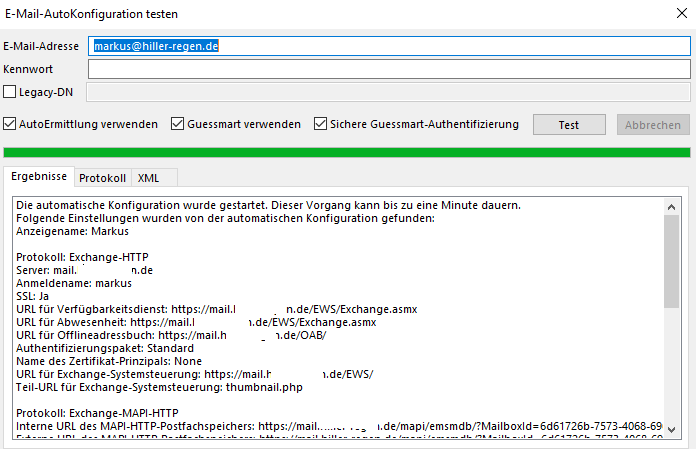
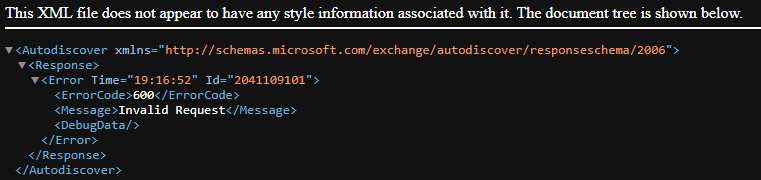
markush A rudimentary check of the very long line shows mine is the same except for the domain (as expected).
The first part of the /tmp/autodiscover.txt. is as follows:-
`* Request body:
<?xml version="1.0" encoding="UTF-8"?>
<Autodiscover xmlns="http://schemas.microsoft.com/exchange/autodiscover/outlook>
<Request>
<EMailAddress>email@my-domnain.com</EMailAddress>
<AcceptableResponseSchema>http://schemas.microsoft.com/exchange/autodis>
</Request>
</Autodiscover>
- Trying 192.168.xxx.xxx:443...
- Connected to mail.my-domain.com (192.168.xxx.xxx) port 443 (#0)
- ALPN: offers h2,http/1.1
- SSL connection using TLSv1.3 / TLS_AES_256_GCM_SHA384
- ALPN: server accepted h2
- Server certificate:
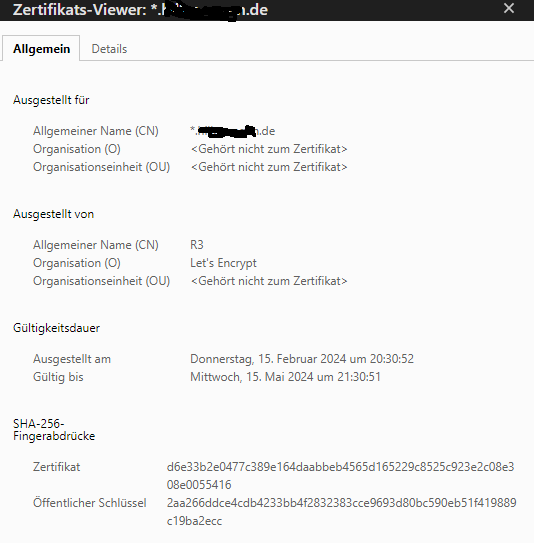
- subject: CN=my-domain.com
- start date: Jan 9 19:52:26 2024 GMT
- expire date: Apr 8 19:52:25 2024 GMT
- issuer: C=US; O=Let's Encrypt; CN=R3
- SSL certificate verify result: unable to get local issuer certificate (20), >
- using HTTP/2
- Server auth using Basic with user 'email@my-domain.com'
- h2h3 [:method: POST]
- h2h3 [:path: /Autodiscover/Autodiscover.xml]
- h2h3 [:scheme: https]
- h2h3 [:authority: mail.my-domain.com]
- h2h3 [authorization: Basic bWFya0B0aGUtc2V5bW91cnMuY28udWs6NDBUYWtMZXQ=]
- h2h3 [user-agent: Microsoft Office/16]
- h2h3 [accept: /]
- h2h3 [content-type: text/xml]
- h2h3 [content-length: 387]
- Using Stream ID: 1 (easy handle 0x561d4d2c4f70)
POST /Autodiscover/Autodiscover.xml HTTP/2
Host: mail.my-domain.com
authorization: Basic bWFya0B0aGUtc2V5bW91cnMuY28udWs6NDBUYWtMZXQ=
user-agent: Microsoft Office/16
accept: /
content-type: text/xml
content-length: 387
- We are completely uploaded and fine
- old SSL session ID is stale, removing
< HTTP/2 200
< content-type: text/xml
< content-length: 3524
< content-security-policy: default-src 'self' data:; frame-src * blob:; connect>
< permissions-policy: accelerometer=(), autoplay=(self), camera=(self), display>
< strict-transport-security: max-age=15552000; includeSubDomains; preload
< x-content-type-options: nosniff
< x-frame-options: SAMEORIGIN
< x-permitted-cross-domain-policies: none
< x-robots-tag: none
< x-xss-protection: 1; mode=block
< referrer-policy: no-referrer
<
- Connection #0 to host mail.my-domain.com left intact
- Response body:
<?xml version="1.0" encoding="UTF-8"?><Autodiscover xmlns="http://schemas.micro>
- Response has validated`
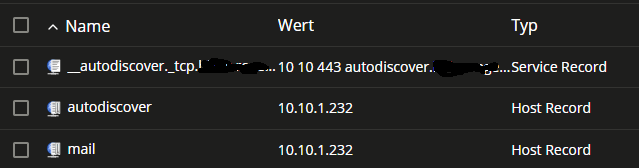
Checking your post with the screenshot of you DNS SRV record, it looks like you might have 2 "" chars in front of the autodiscover entry (ie '__autodiscover.tcp' instead of 'autodiscover.tcp'). If this is the case it will cause your error DNS SRV entry autodiscover.tcp.hiller-regen.de is missing!
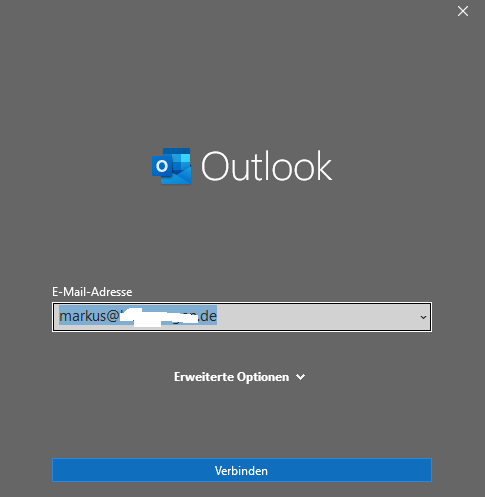
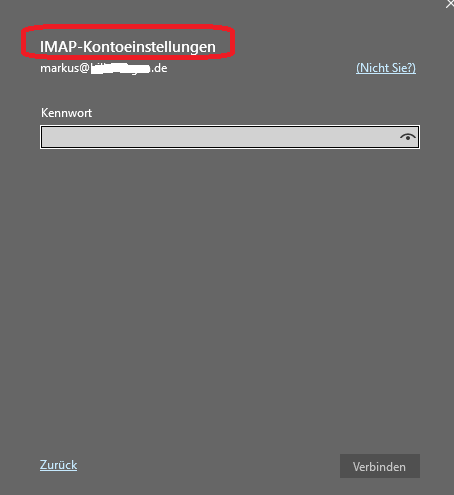
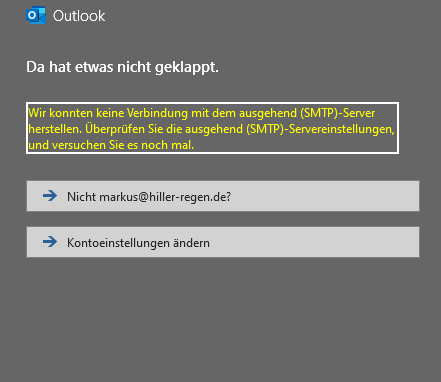
Over the years I have occasionally had issues with the newer versions of Outlook wanting to connect using IMAP, but unfortunately I can't remember how I have resolved this as not seen it happed for a while now.
Have you tried setting up the account via the old Control Panel 'Mail' applet. I think in newer versions of Windows/Office MS have removed the applet from control panel, however, the applet can still be run using "C:\Program Files\Microsoft Office\Office16\MLCFG32.CPL" (adjust the path for you version of Office). This is how I setup all my Outlook mail profiles, and for me they just work. Hope this might be helpful.