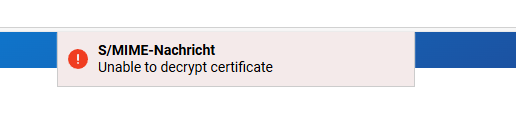
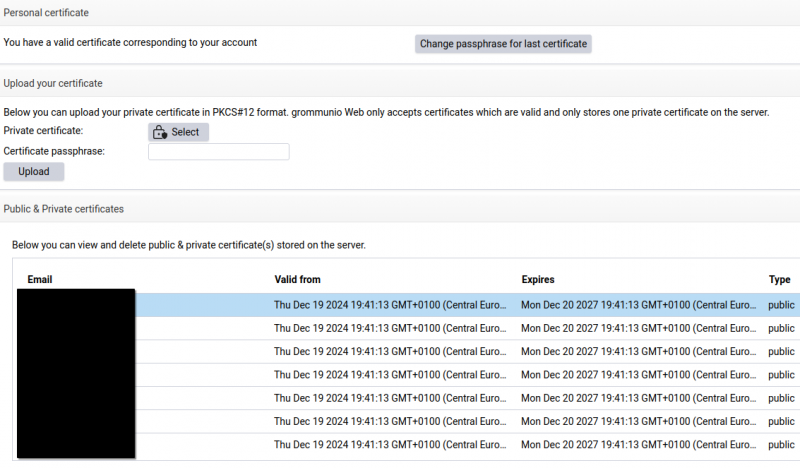
Mein S/MIME-Zertifikat wurde mit altem RC2-40-CBC-Verfahren verschlüsselt. Das ist mit OpenSSL 3 standardmäßig deaktiviert (legacy). Ich konnte mein Zertifikat umschlüsseln und es dann auch importieren:
openssl pkcs12 -legacy -in cert.p12 -nodes -passin pass:KENNWORT |openssl pkcs12 -export -out neu.p12 -passout pass:KENNWORT
Vergleiche vorher/nachher:
$ openssl pkcs12 -legacy -info -in cert.p12 -noout
MAC: sha1, Iteration 102400
MAC length: 20, salt length: 20
PKCS7 Data
Shrouded Keybag: pbeWithSHA1And3-KeyTripleDES-CBC, Iteration 51200
PKCS7 Encrypted data: pbeWithSHA1And40BitRC2-CBC, Iteration 51200
$ openssl pkcs12 -legacy -info -in neu.p12 -noout
Enter Import Password:
MAC: sha256, Iteration 2048
MAC length: 32, salt length: 8
PKCS7 Encrypted data: PBES2, PBKDF2, AES-256-CBC, Iteration 2048, PRF hmacWithSHA256
PKCS7 Data
Shrouded Keybag: PBES2, PBKDF2, AES-256-CBC, Iteration 2048, PRF hmacWithSHA256